Account Managers Management
The Account Managers module allows system administrators to manage account manager profiles within the SPS platform. Account Managers are responsible for overseeing and managing service accounts.
Custom SPS Customizations
Below is a summary of the custom features and modifications introduced specifically in the SPS project:
1. Grid & Overview Customizations
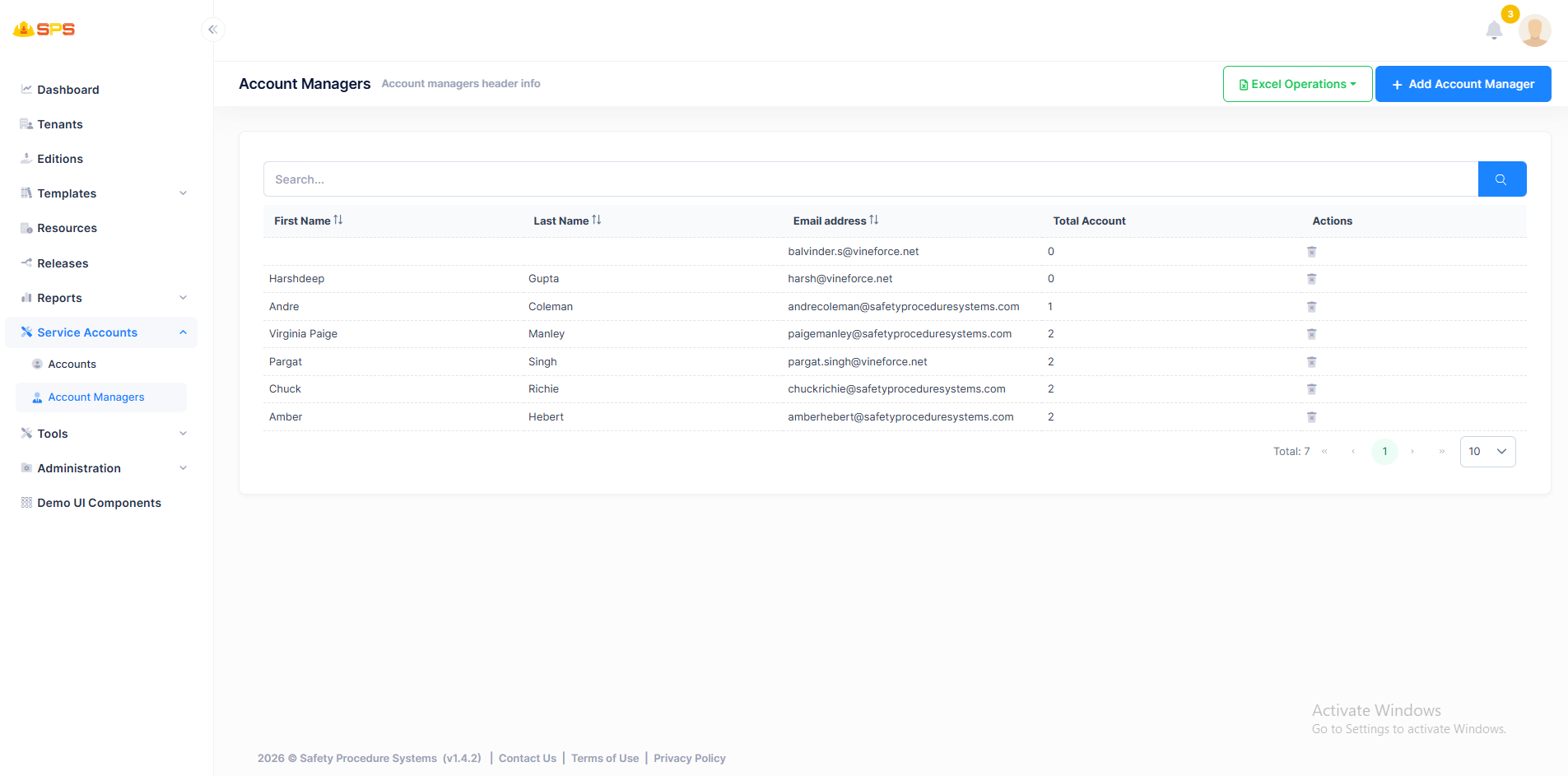
- First Name: Displays the first name of the account manager.
- Last Name: Shows the last name of the account manager.
- Email address: Displays the email address associated with the account manager.
- Total Account: Shows the number of service accounts assigned to the account manager.
- Actions Column: Provides Edit and Delete actions for each account manager.
- Search Functionality: Includes a search bar to filter account managers by various criteria.
- Excel Operations: Export/Import functionality via Excel files.
2. Add New Account Manager
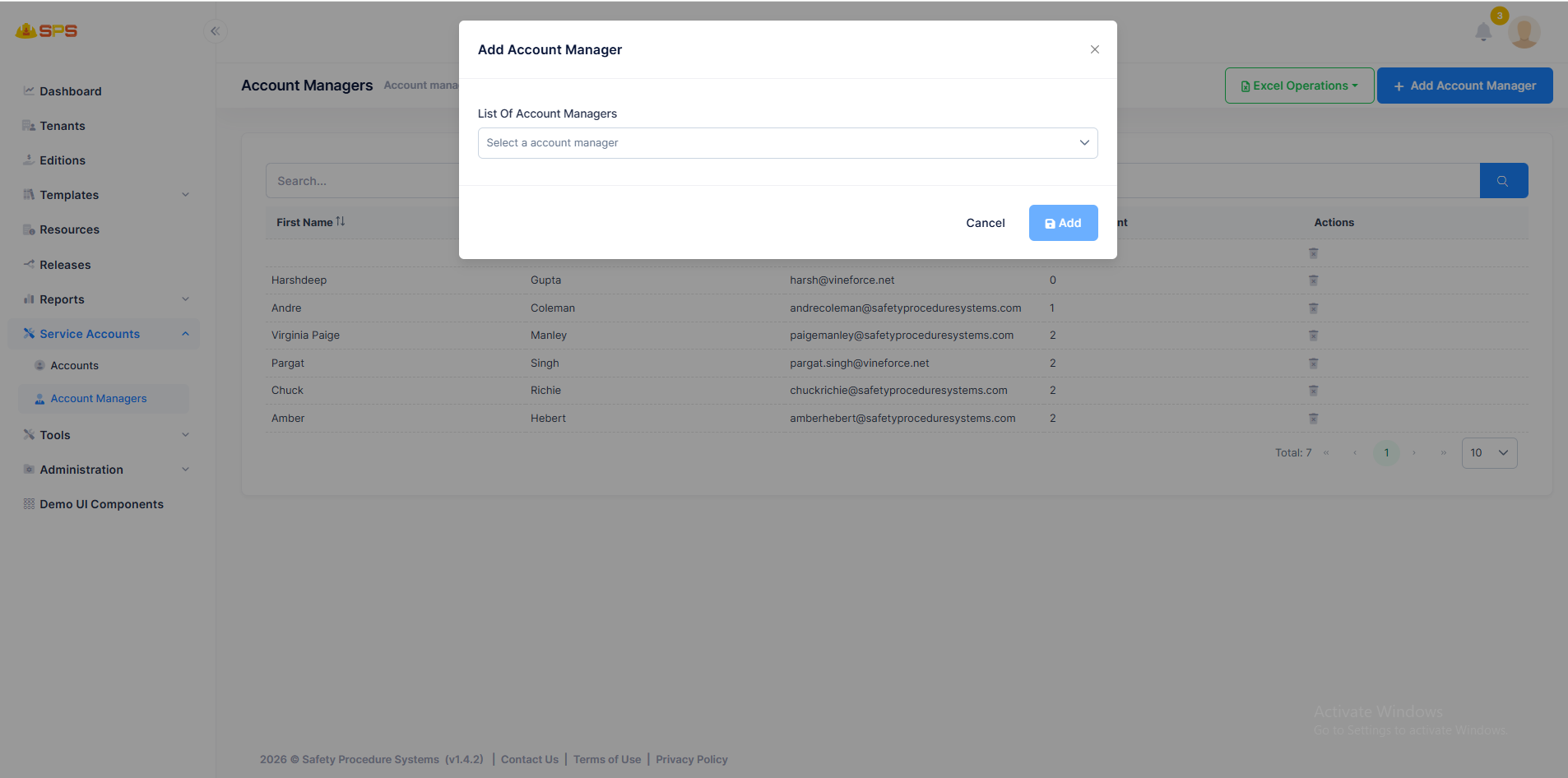
The creation dialog for a new account manager includes:
- List Of Account Managers: Dropdown to select an existing user/account manager from the system.
3. Edit Account Manager
Similar to the creation dialog, the edit functionality allows updating account manager details.
4. Delete Account Manager
Administrators can delete account managers from the system. Note that deleting an account manager may require reassigning their service accounts to other managers first.
Developer Reference
Security Permissions
Access to these resources is controlled by appropriate permission keys that manage view, create, edit, and delete operations for account managers.