Maintenance Management
The Maintenance module provides system administrators with tools to monitor and manage the application's underlying health and performance. It allows administrators to clear application caches, review and download application logs, and perform file integrity checks to ensure the system is operating smoothly.
SPS Customizations
Below are the specific workflows and functionalities built into the Maintenance module, organized into distinct tabs.
1. Caches
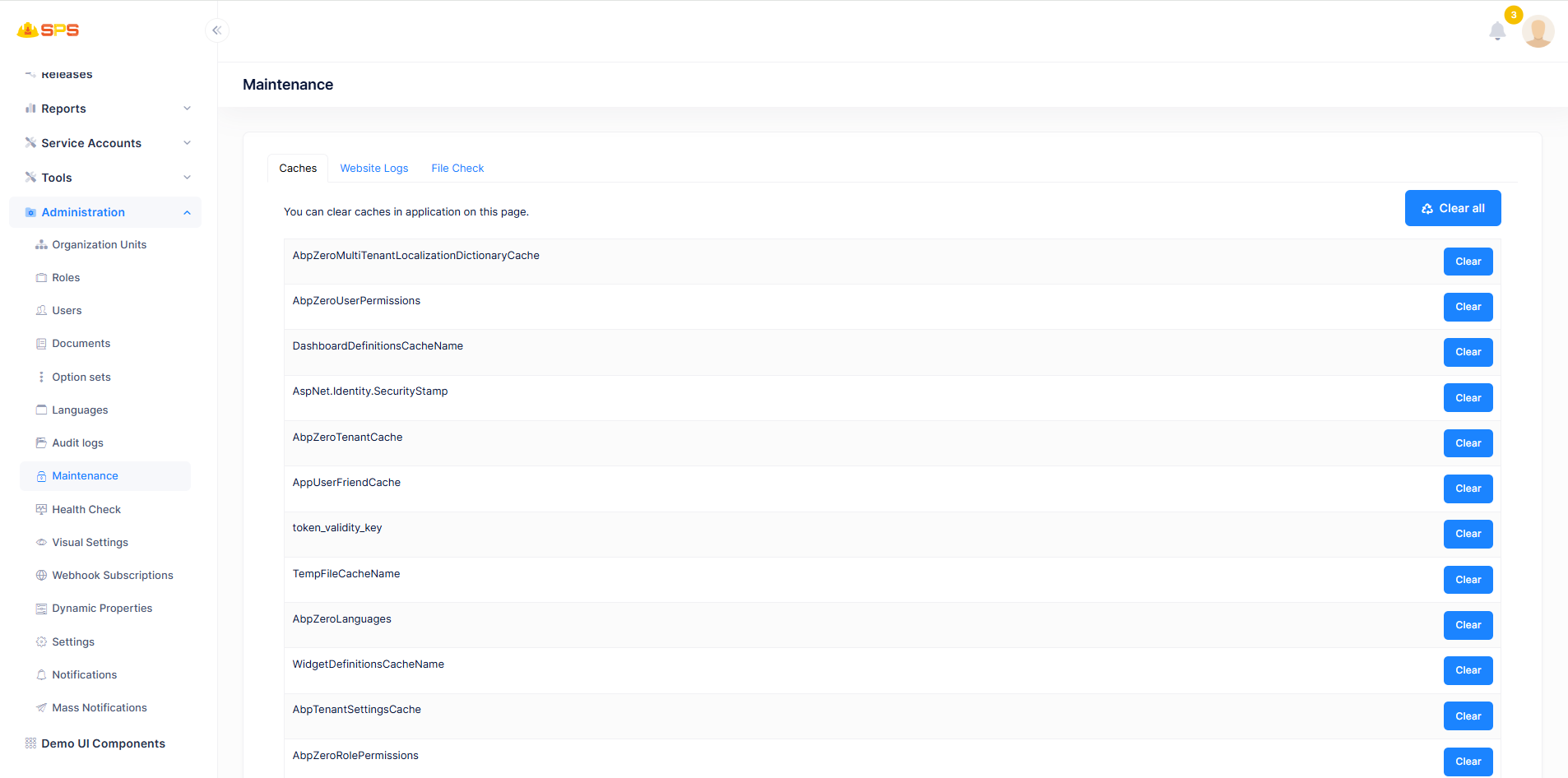
The Caches tab allows administrators to manage application performance by clearing stored cache data:
- Clear All: A primary action button (
Clear all) at the top right to clear all application caches simultaneously. - Cache List: Displays a list of individual system caches (e.g.,
AbpZeroMultiTenantLocalizationDictionaryCache,AbpZeroUserPermissions,DashboardDefinitionsCacheName). - Clear Individual Caches: Each listed cache has an associated
Clearbutton, allowing administrators to selectively clear specific cached data without affecting others.
2. Website Logs
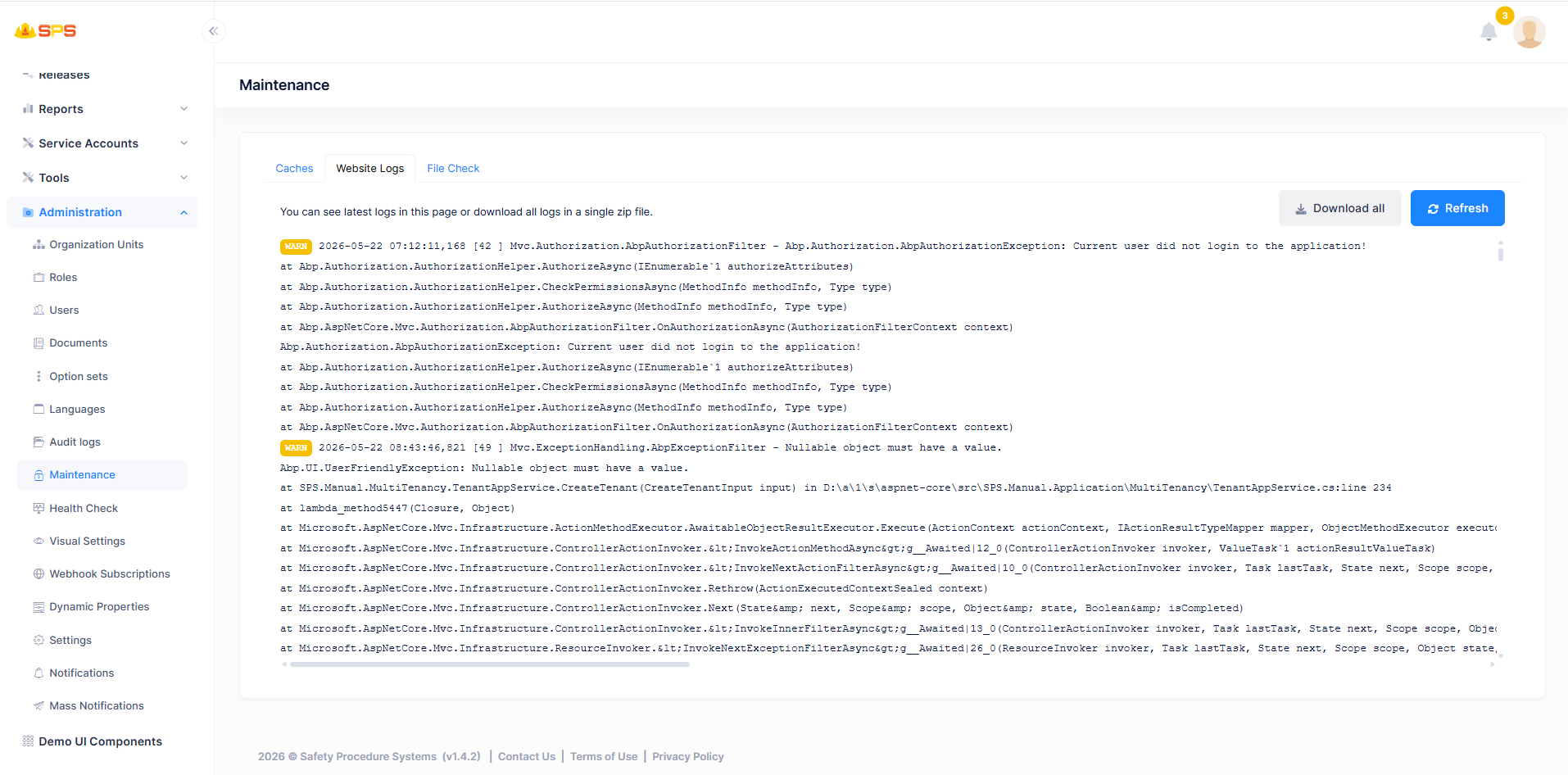
The Website Logs tab provides access to the application's runtime logs for debugging and monitoring purposes:
- Log Viewer: Displays the latest log entries directly within the page interface, highlighting warnings (
WARN), errors, and exceptions. - Download All: A button (
Download all) that allows administrators to download the complete log files as a single zip archive for offline analysis. - Refresh: A button (
Refresh) to manually update the log viewer with the most recent log entries.
3. File Check
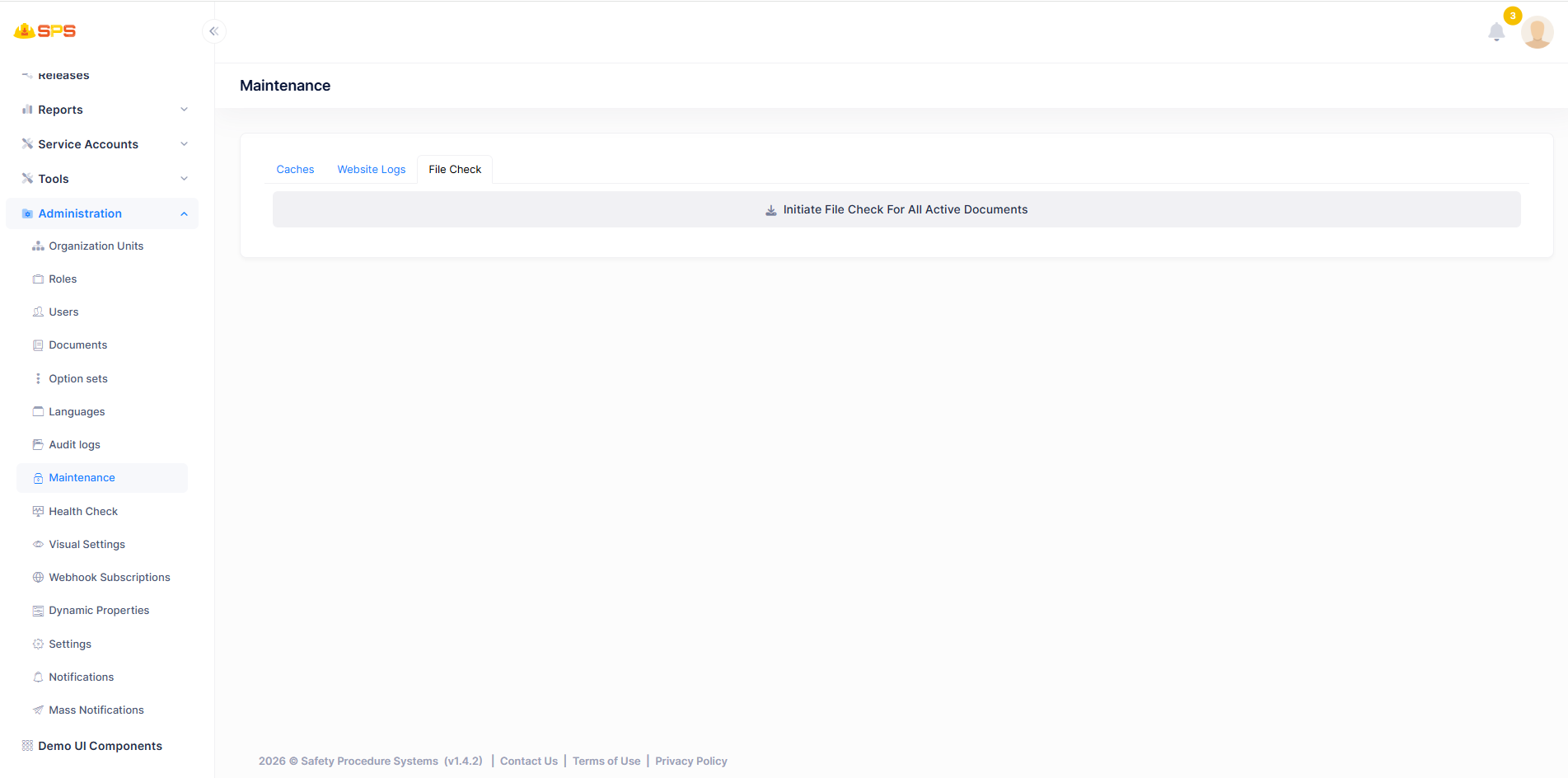
The File Check tab provides functionality to verify the integrity of application documents:
- Initiate File Check: A central button (
Initiate File Check For All Active Documents) that triggers a system-wide verification process to ensure all active documents are accessible and intact.
Developer Reference
Core Backend Components
- Application Services: The associated application services manage cache clearing operations, reading and formatting log files from the server's file system, and executing the document integrity checks.
- Caching Infrastructure: Integrates with the application's underlying caching mechanisms (e.g., Memory Cache, Redis) to flush stored data based on the provided cache names.