Organization Units Management
The Organization Units module provides a hierarchical way to structure and organize users and entities within the system. It enables administrators to manage access, roles, and members based on specific organizational branches or departments.
SPS Customizations
Below are the specific workflows and functionalities built into the Organization Units module.
1. Organization Units Interface
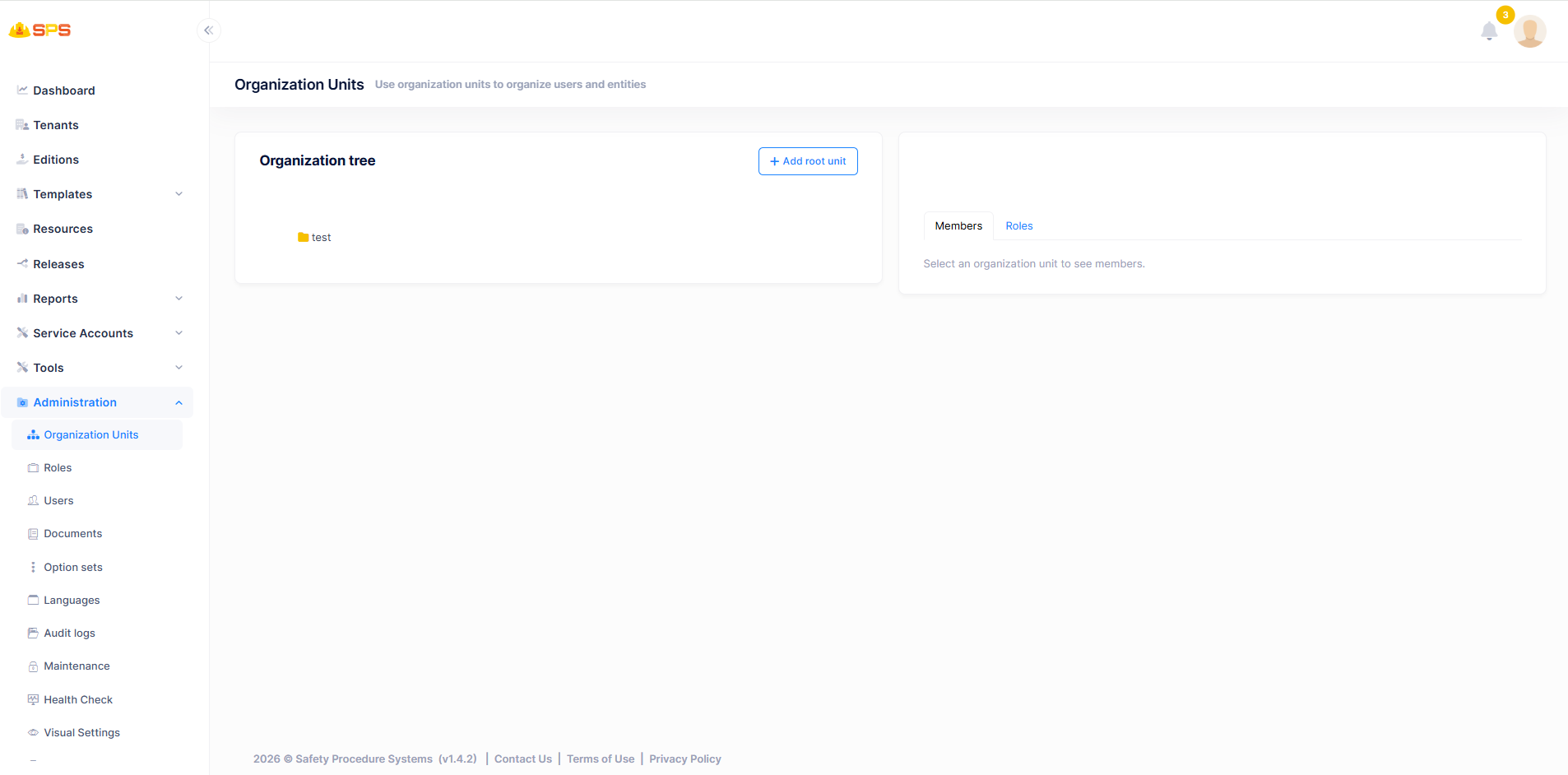
The primary view is divided into an organizational tree and a details panel:
- Organization Tree (Left Panel):
- Add Root Unit: A primary action button (
+ Add root unit) allowing administrators to create a new top-level organization unit. - Tree View: A hierarchical display of existing organization units. Users can interact with this tree to select a specific unit (e.g., a folder representing a department or branch) to view its details.
- Add Root Unit: A primary action button (
- Details Panel (Right Panel):
- Members Tab: Displays the users assigned to the selected organization unit. This interface typically allows administrators to add or remove members from the unit.
- Roles Tab: Displays the roles associated with the selected organization unit, facilitating role-based access control and consistent permission management across the unit.
Developer Reference
Core Backend Components
- Entities: The data model is driven by a core entity (typically
OrganizationUnit) that manages hierarchical relationships, maintaining properties such asParentId,Code, andDisplayName. - Application Services: The associated application service manages data retrieval, creation, deletion, and the assignment of members and roles to specific units within the organizational tree.