Settings Management
The Settings module provides a centralized interface for configuring global application behavior, integrations, and branding. Administrators can use this module to adjust system-wide configurations without needing to modify backend code.
SPS Customizations
Below are the specific configuration tabs and functionalities built into the Settings module.
1. General
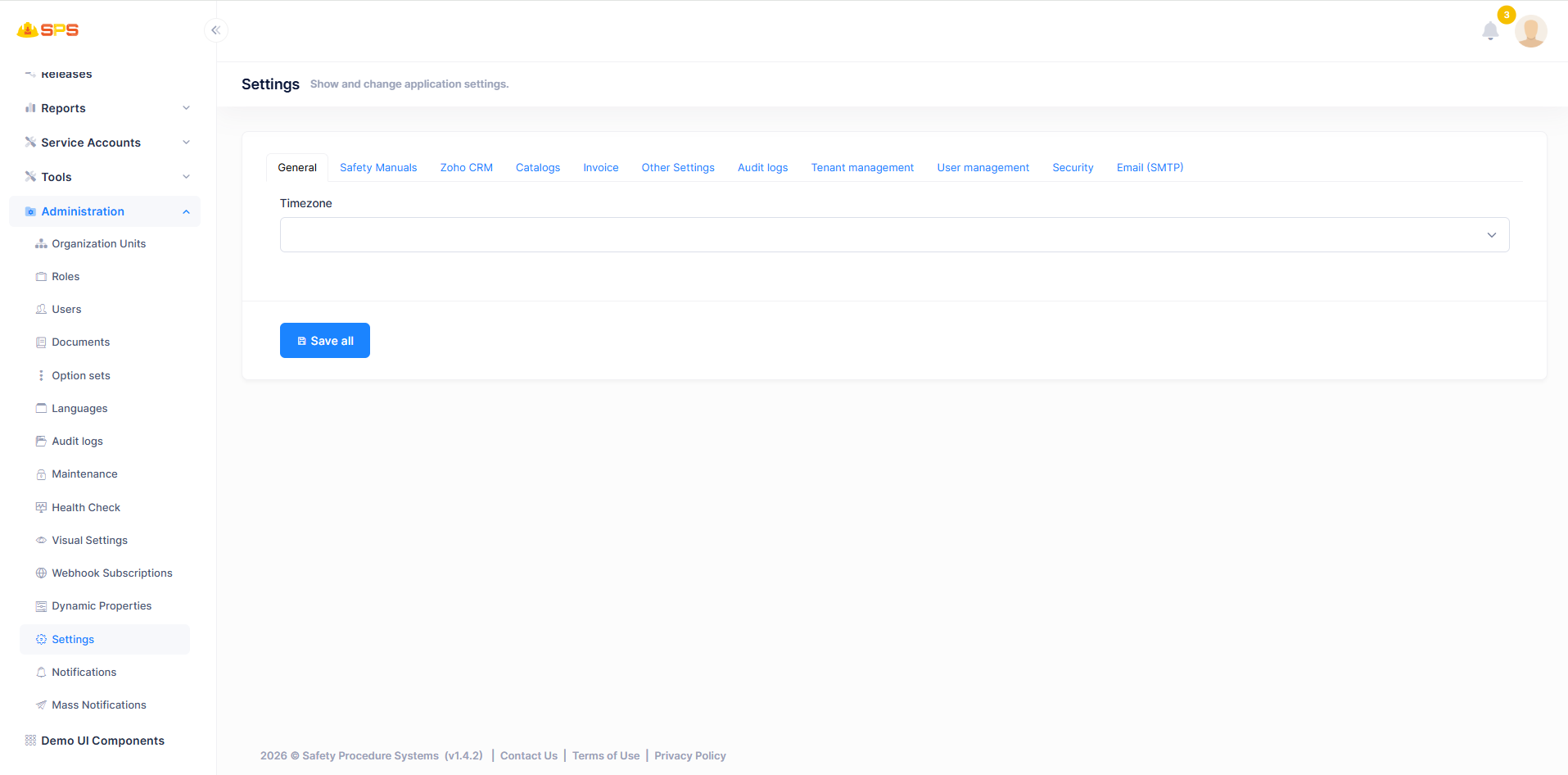
The General tab allows administrators to configure fundamental application settings.
- Timezone: A dropdown to set the default global timezone for the application, ensuring consistency in date and time representations across the system.
2. Safety Manuals
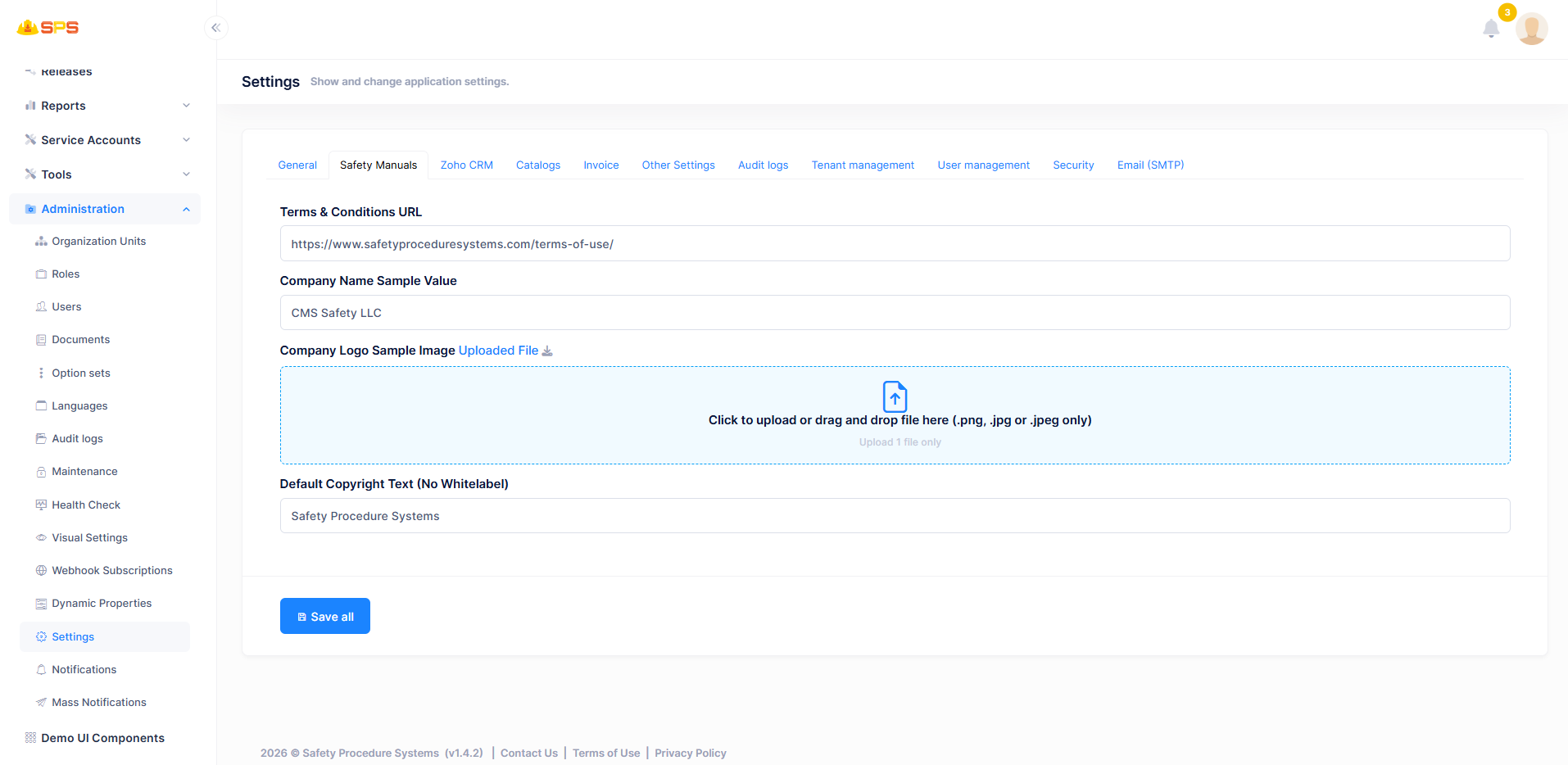
The Safety Manuals tab focuses on customization and branding for generated manuals.
- Terms & Conditions URL: A text field to specify the hyperlink to the terms and conditions policy.
- Company Name Sample Value: A default placeholder for the company name used in templates.
- Company Logo Sample Image: A file upload area (accepting .png, .jpg, or .jpeg) to set the default organizational logo on manuals.
- Default Copyright Text (No Whitelabel): Allows administrators to define standard copyright phrasing (e.g., "Safety Procedure Systems") when white-labeling is not applied.
3. Zoho CRM
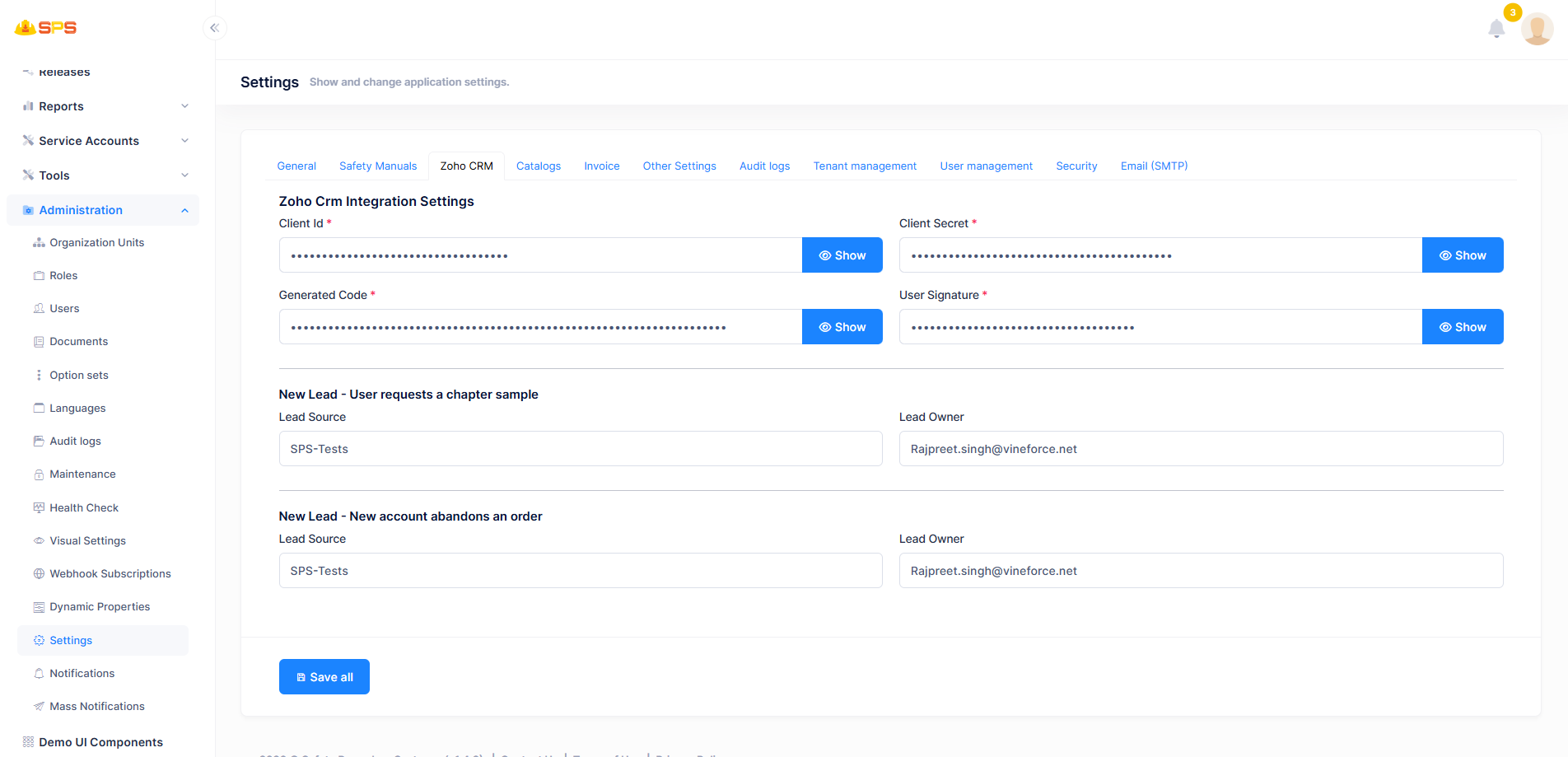
The Zoho CRM tab configures the integration between the application and the external Zoho CRM platform.
- Zoho Crm Integration Settings: Core credentials required for API connectivity.
Client IdandClient SecretGenerated CodeUser Signature
- New Lead - User requests a chapter sample: Configurations for routing leads generated from chapter sample requests.
Lead SourceLead Owner
- New Lead - New account abandons an order: Configurations for routing leads generated from abandoned orders.
Lead SourceLead Owner
4. Catalogs
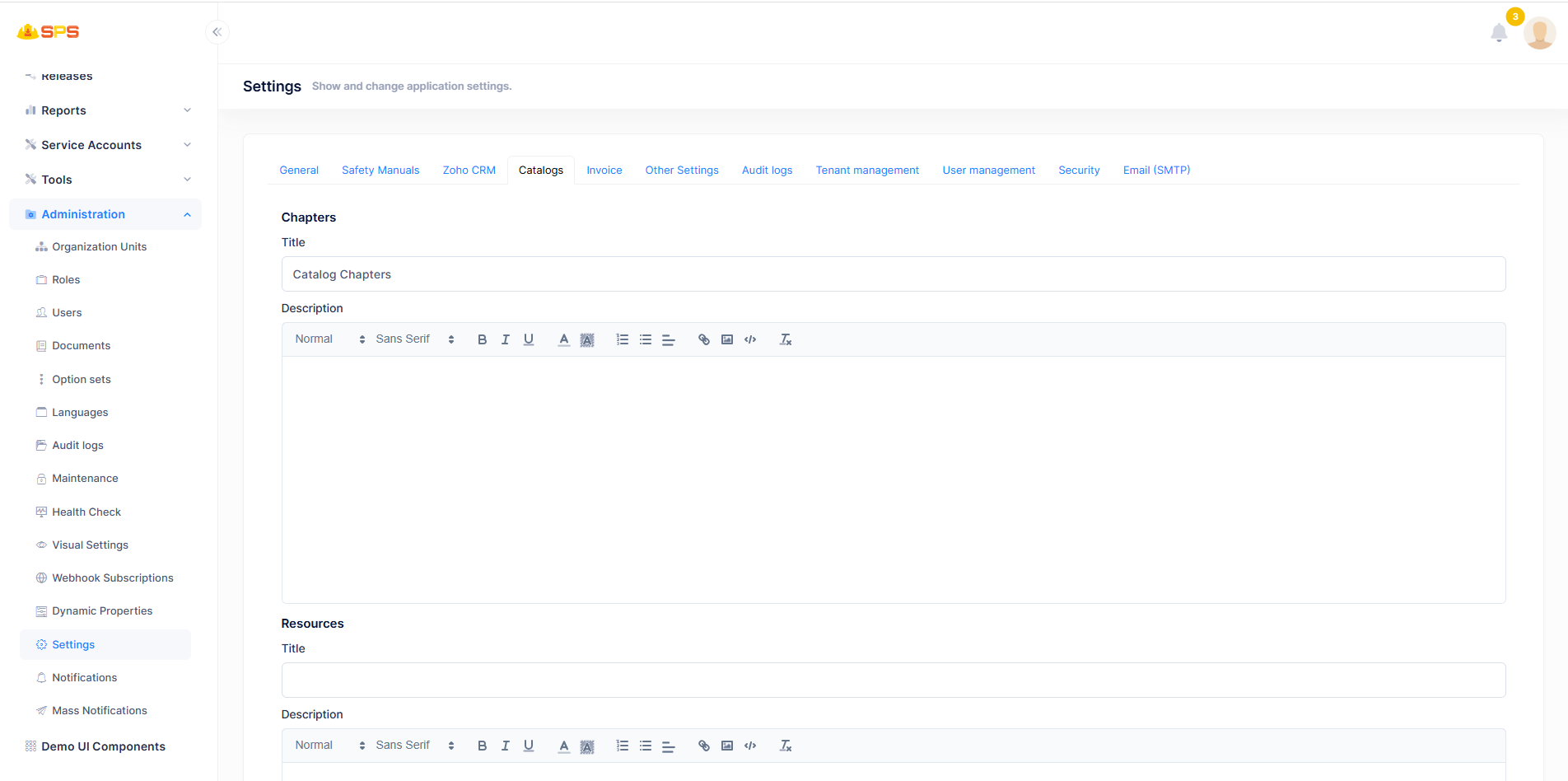
The Catalogs tab is used to set default text for various catalog sections.
- Chapters: Rich text editor for configuring the default
TitleandDescriptionfor the chapters catalog section. - Resources: Rich text editor for configuring the default
TitleandDescriptionfor the resources catalog section.
5. Invoice
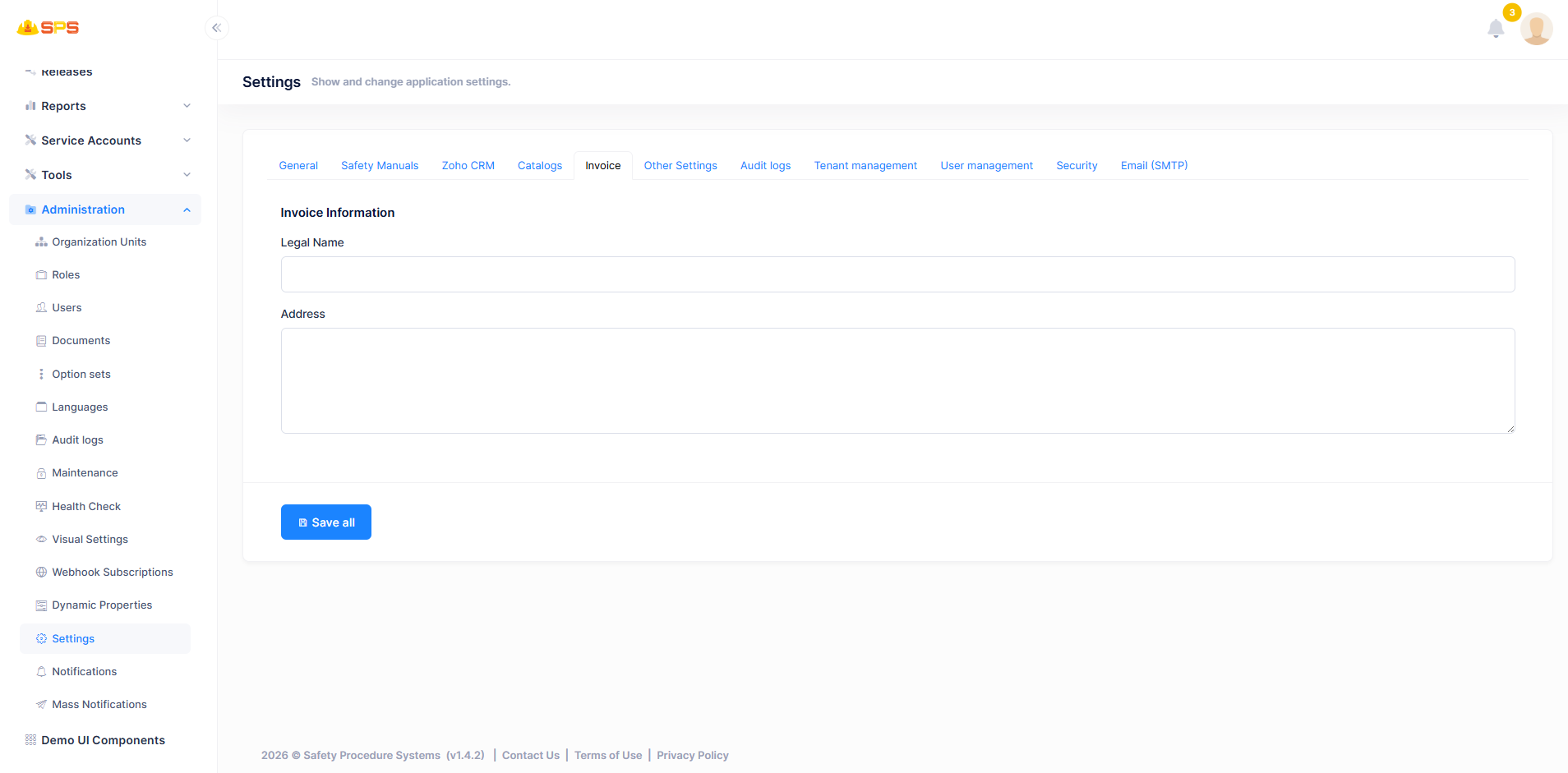
The Invoice tab handles the billing and invoicing identity of the system.
- Invoice Information:
Legal Name: The official company name to appear on generated invoices.Address: A text area for the official billing address.
6. Other Settings
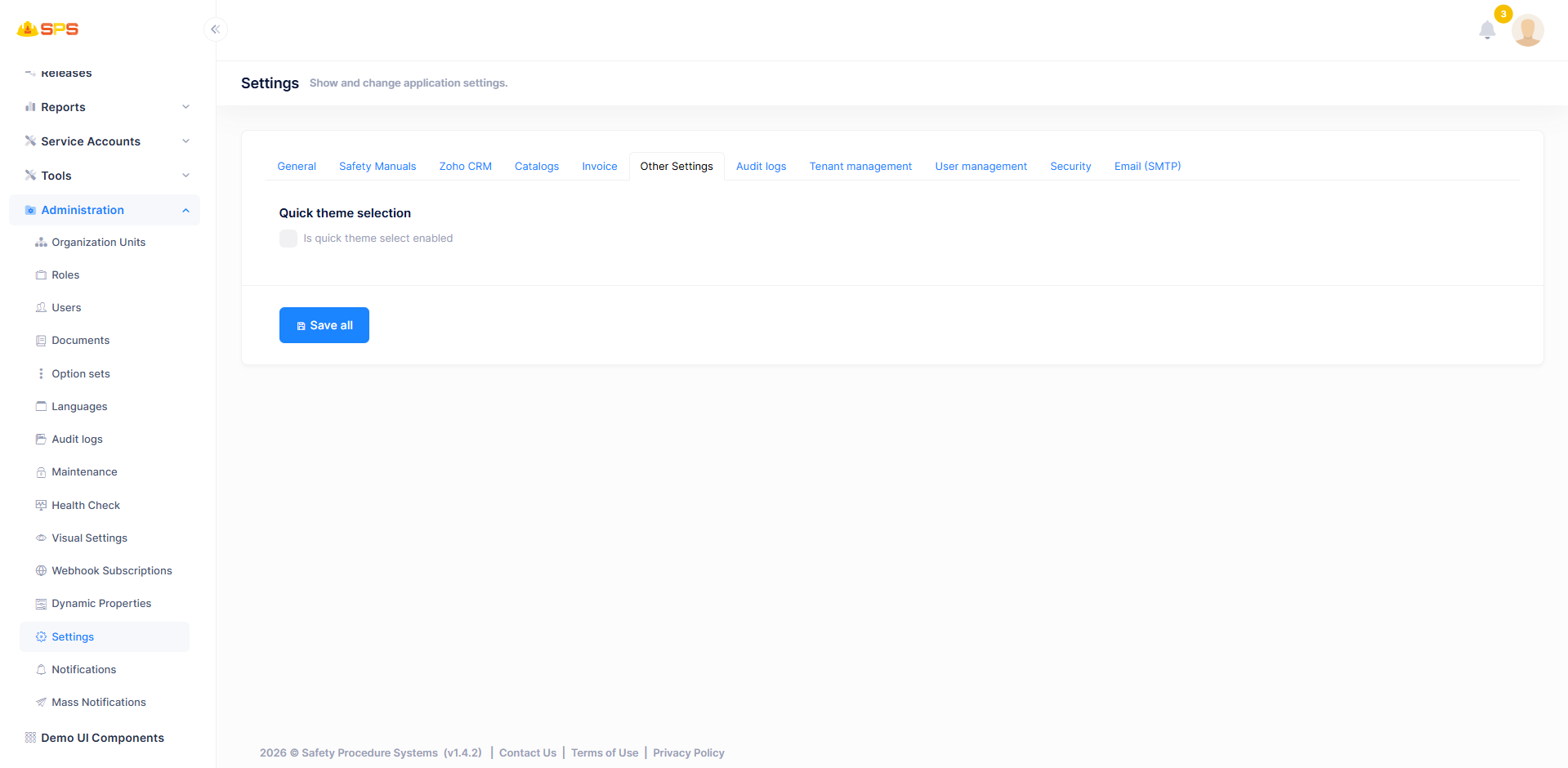
The Other Settings tab contains miscellaneous configurations for the application interface.
- Quick theme selection: A toggle (
Is quick theme select enabled) that allows users to quickly change the application's visual theme from the UI.
ASP.NET Zero Standard Settings
The following tabs are built-in features provided by the ASP.NET Zero framework. Since these are standard functionalities, please refer to the official ASP.NET Zero Documentation for comprehensive details.
1. Audit logs
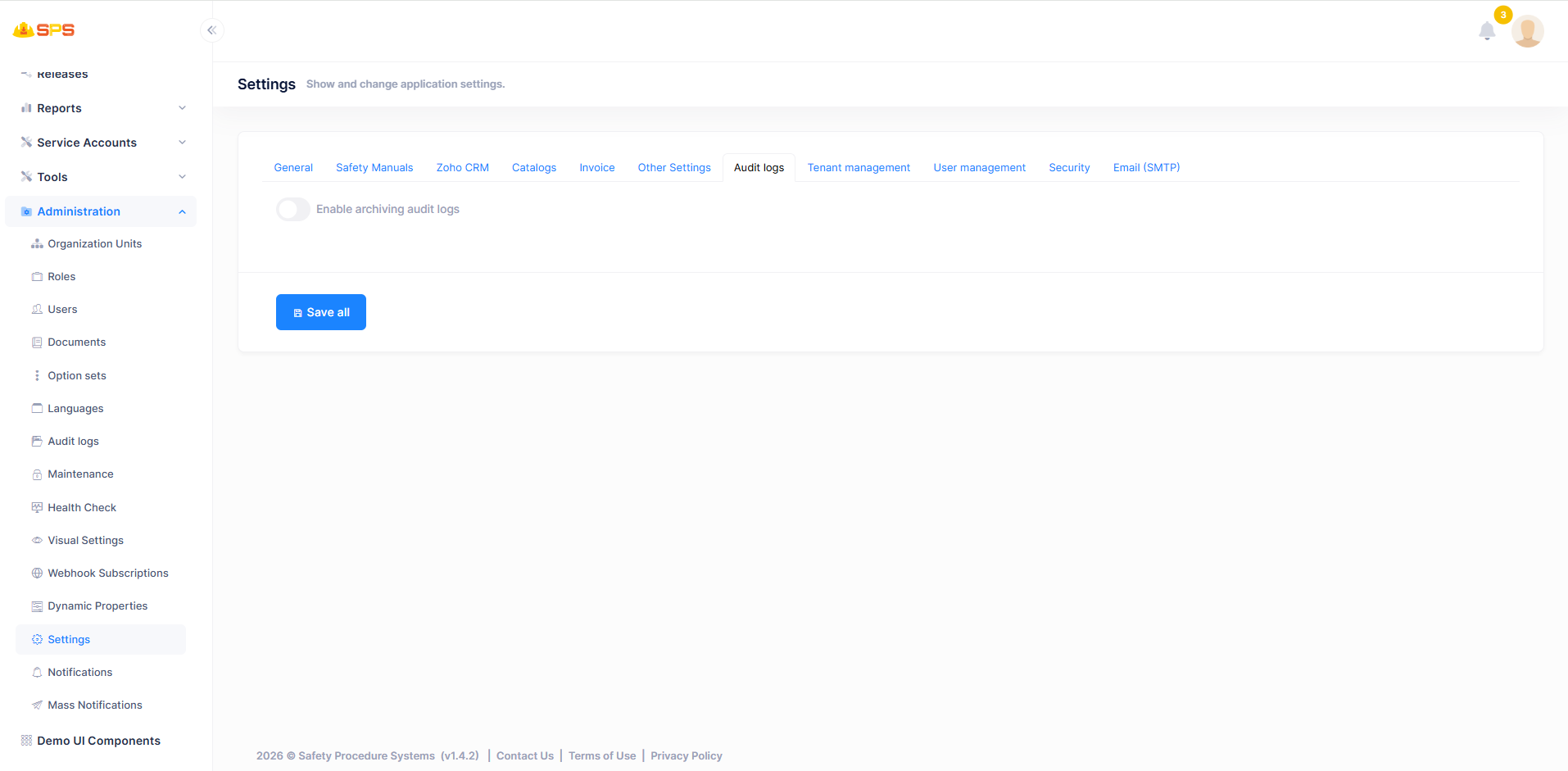
This tab provides configurations for audit log management.
- Enable archiving audit logs: A toggle to enable or disable the archiving of system audit logs.
2. Tenant management
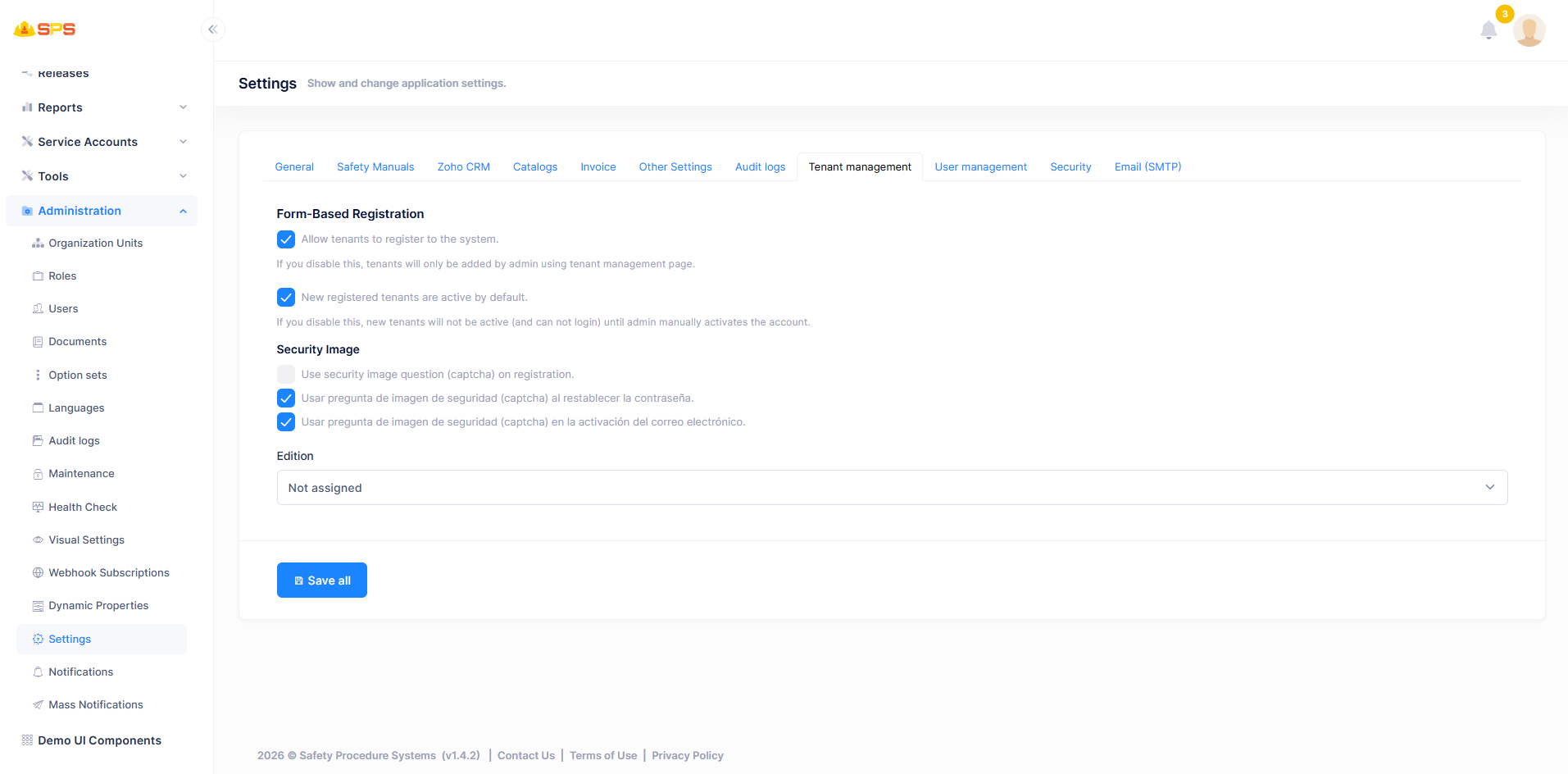
This tab provides configurations for new tenant registration, security image (CAPTCHA) usage across different forms, and default edition assignment.
- For full details on these configurations, please refer to the ASP.NET Zero Tenant Settings Documentation.
Developer Reference
Core Backend Components
- Entities: Configuration values are typically stored in a settings table or JSON file and managed by a core
SettingorApplicationSettingsentity. - Application Services: Services that handle the caching, retrieval, and updating of these settings to ensure they are propagated efficiently throughout the application without requiring a restart.